
Register your shop
Registration is free and takes about two minutes. Do it while you stand inside your shop: the phone uses your location to put the shop on the map.
Words in a coloured box are the buttons and titles exactly as the app shows them. The app speaks English and Arabic.
Step 1
Open AyaScan and tap I have a shop.
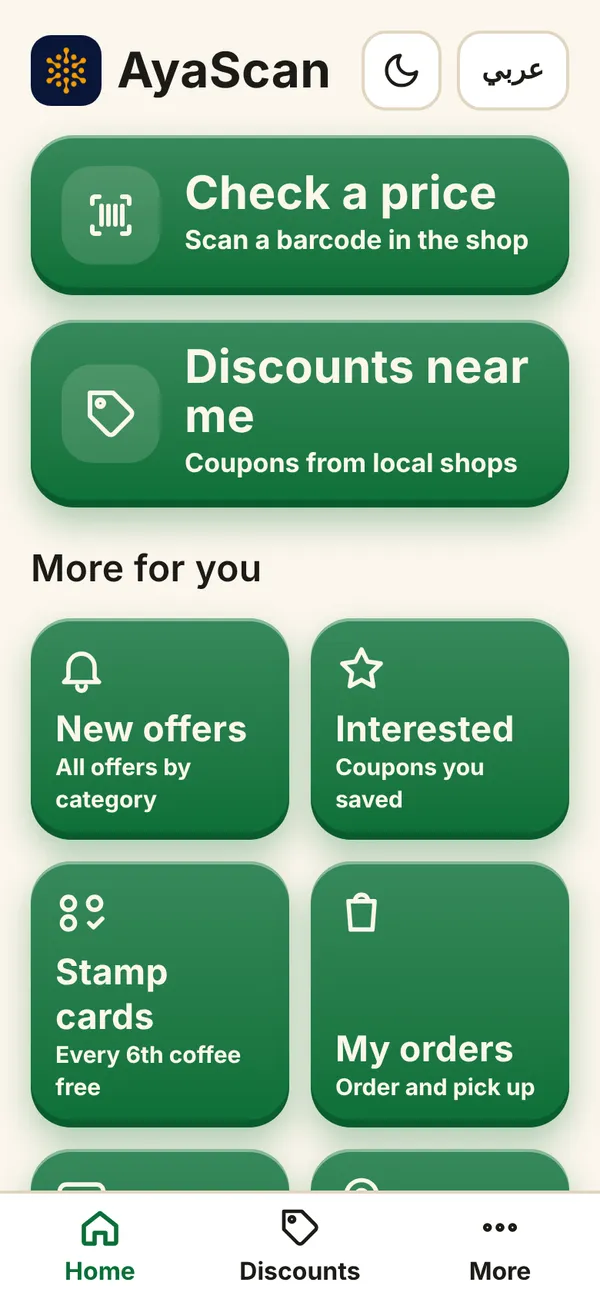
What you see on your phone Step 2
If the app asks, save your 12 words first (see “Save your 12 words”). The shop belongs to these words.
Step 3
Choose what kind of business you have: a shop, café or salon that customers visit, or a home business. For a home business we never show your home address.
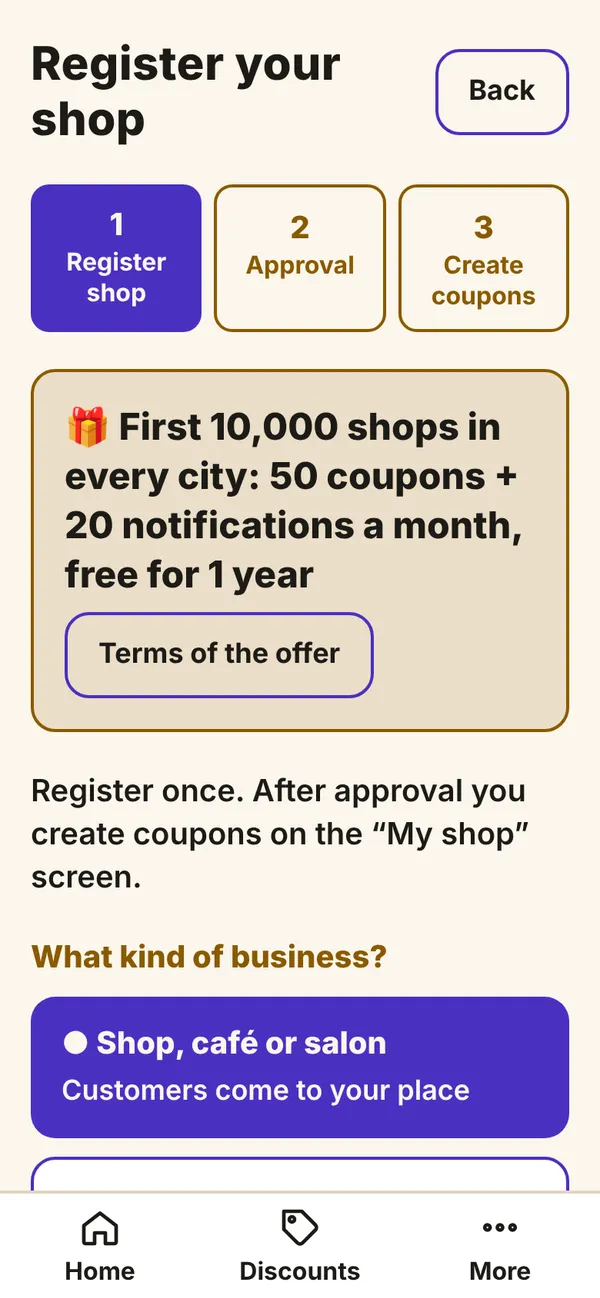
What you see on your phone Step 4
Type the Shop name as it is written on your door. Then tap your category, for example Food or Beauty.
Step 5
Stand inside your shop and tap 📍 I'm at my shop now. The phone asks for your location — tap Allow. If you see Is this your shop?, tap your shop: the name and address are filled in for you.
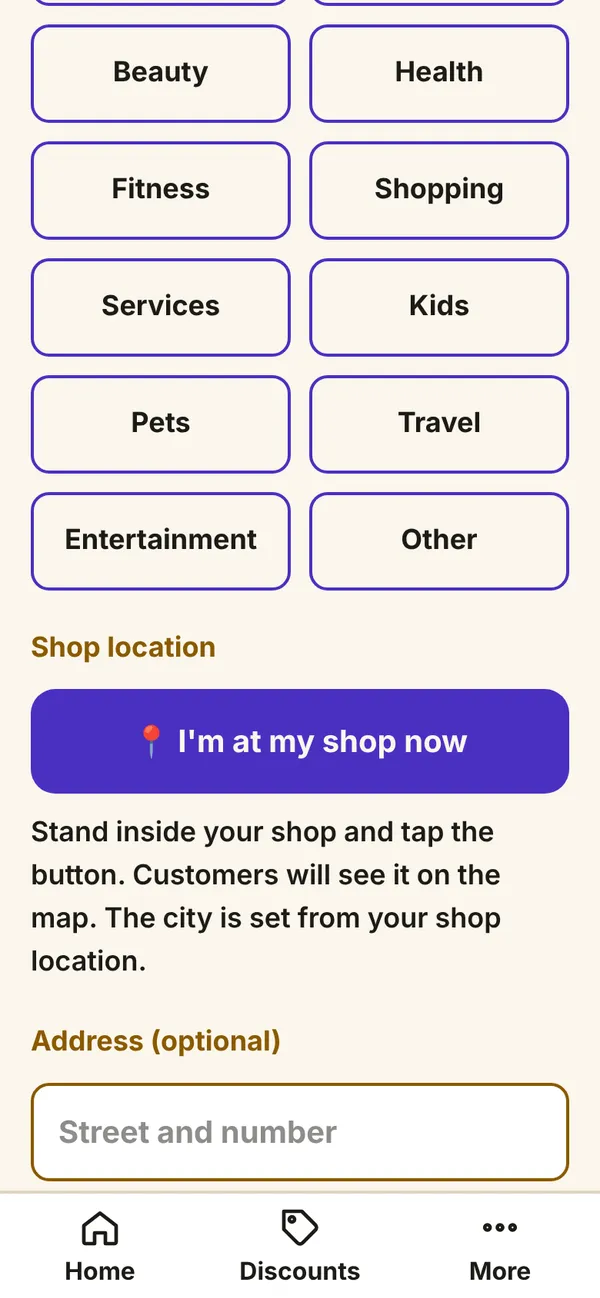
What you see on your phone Step 6
Tap Send for approval. Most shops are approved at once; sometimes a person checks it, usually within a day. If something is wrong, the app tells you why.
When your shop is approved, tap I have a shop again: this is now your shop's screen.