
Get your account back on a new phone
New phone, lost phone or cleared browser? Your 12 words bring your account back, with your shop and everything else.
Words in a coloured box are the buttons and titles exactly as the app shows them. The app speaks English and Arabic.
Step 1
Take the paper with your 12 words.
Step 2
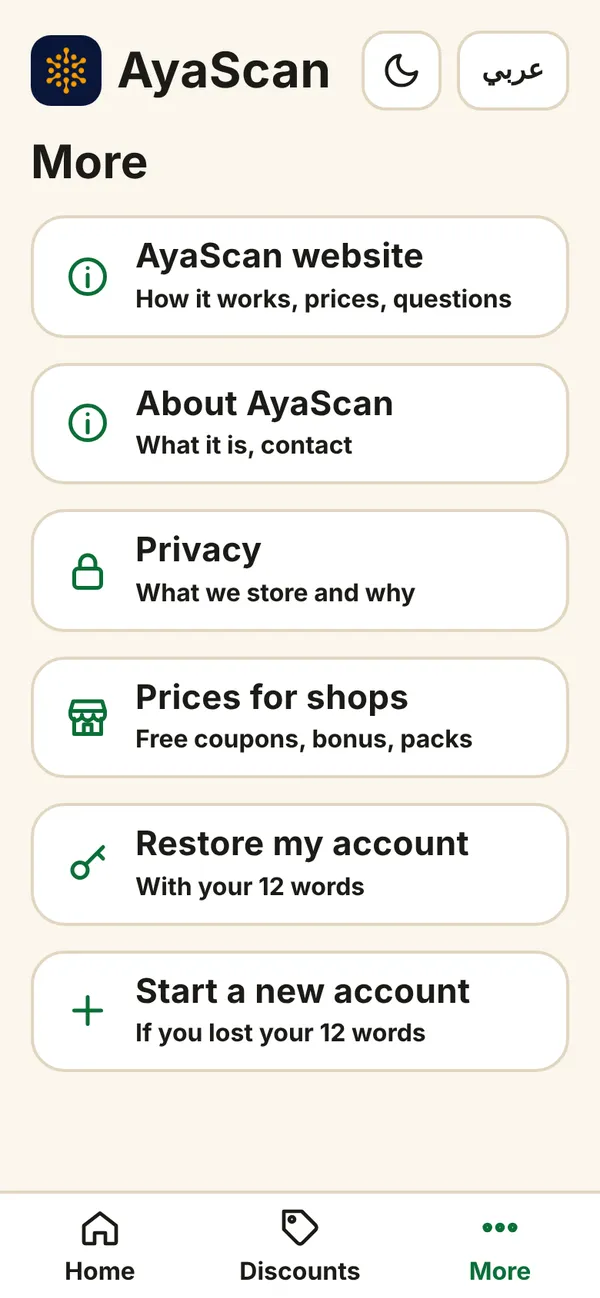
Open AyaScan on the new phone (see “Open AyaScan on your phone”). Tap More at the bottom.
Step 3
Tap Restore my account.
What you see on your phone Step 4
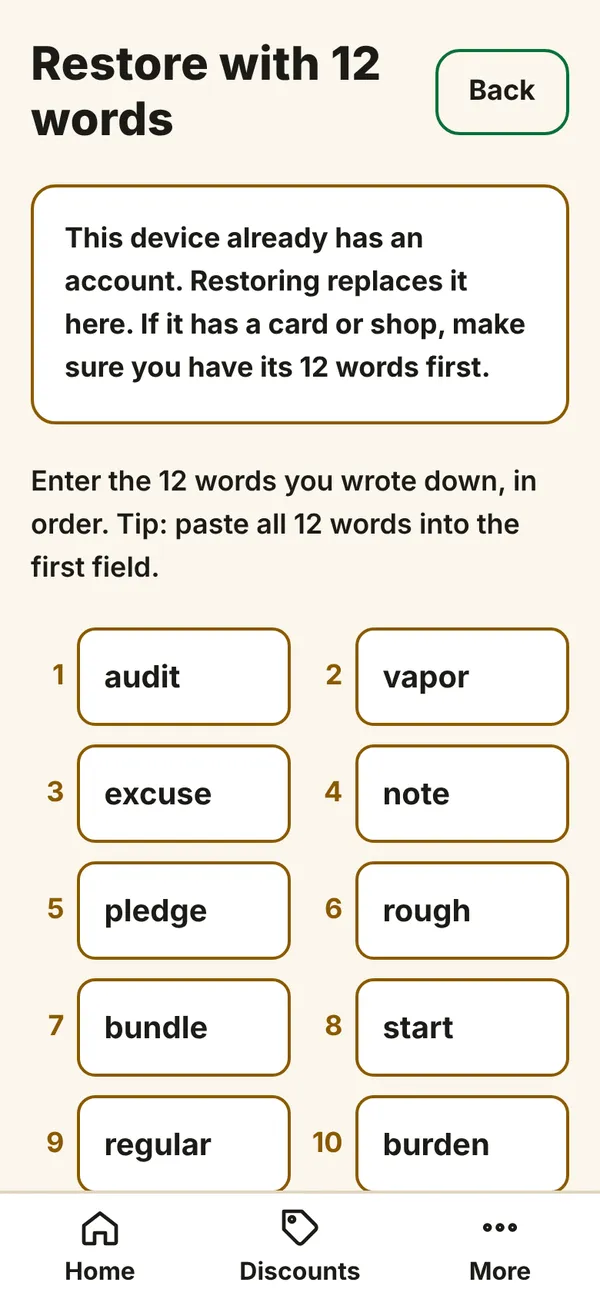
You see 12 numbered fields. Type word 1 into field 1, word 2 into field 2, and so on. Small letters are fine.
What you see on your phone Step 5
Tap Continue. AyaScan finds your account and opens it.
Welcome back! Everything is where you left it.