
Check a price with the barcode
In a shop, point your phone at the barcode of a product (the black lines on the package). AyaScan shows what it costs in other shops and other countries.
Words in a coloured box are the buttons and titles exactly as the app shows them. The app speaks English and Arabic.
Step 1
Open AyaScan and tap Check a price.
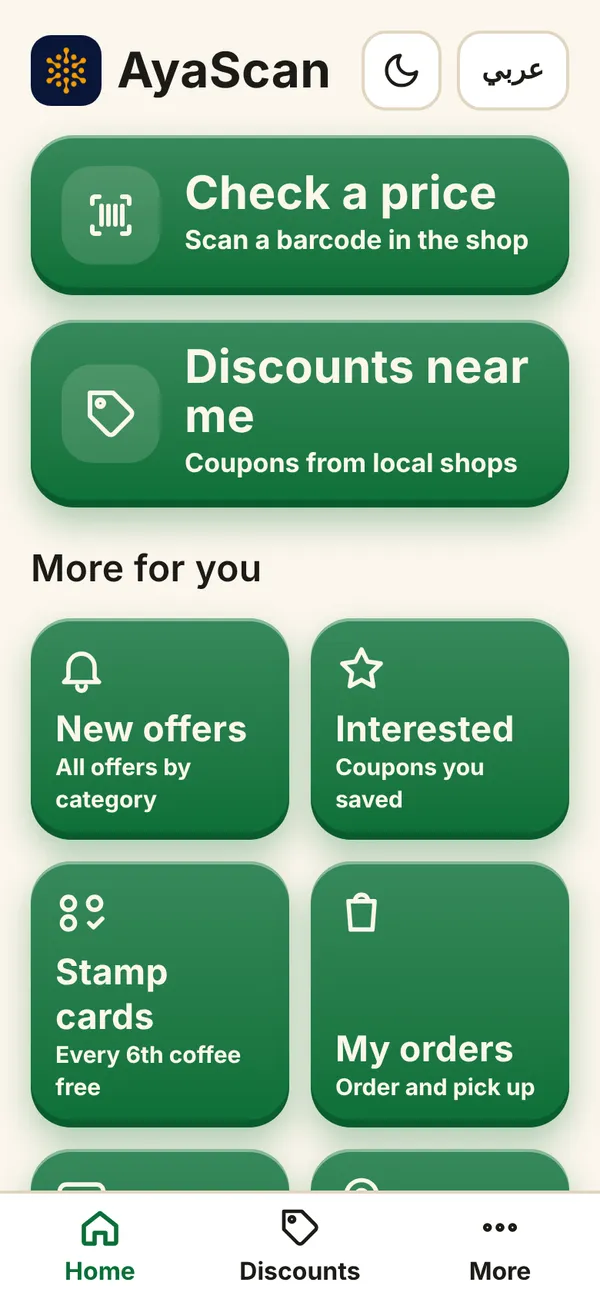
What you see on your phone Step 2
At the top you see your country and currency. If they are wrong, tap them and choose yours. AyaScan remembers them.
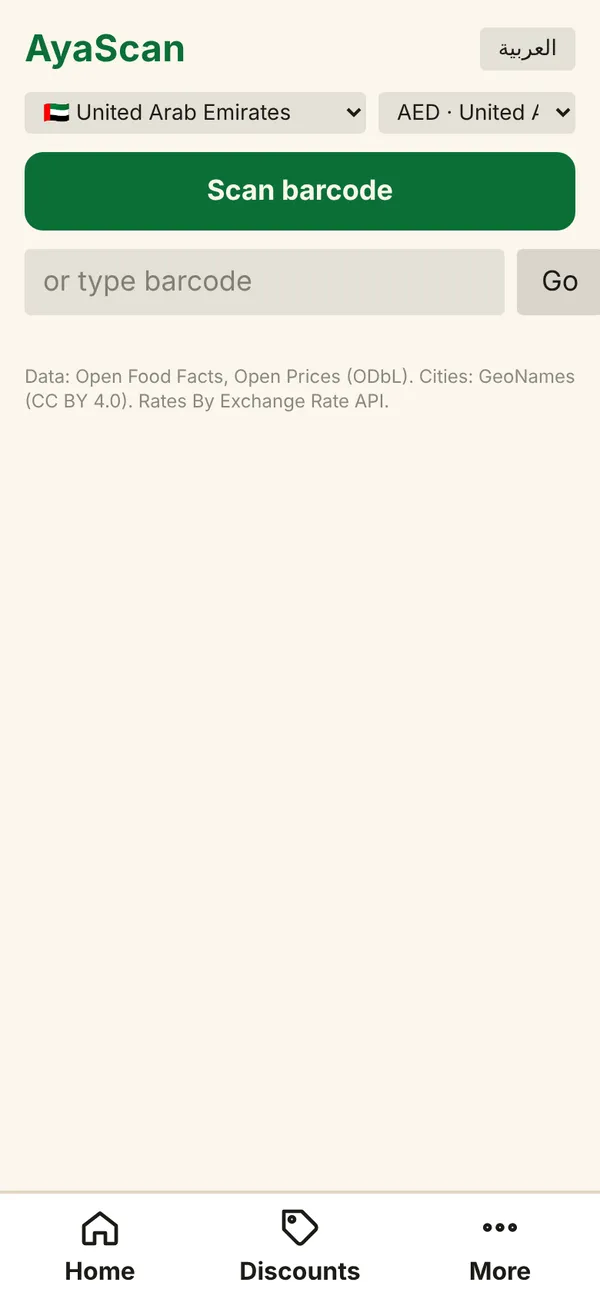
What you see on your phone Step 3
Tap Scan barcode. The phone asks if AyaScan may use the camera — tap Allow. The camera is used only to read the barcode; no photo is saved.
Step 4
Hold the phone 10–20 cm from the barcode, straight and still. In good light it takes a second. In a dark shop tap Light on.
Step 5
The camera does not work? Type the numbers under the barcode into the field or type barcode and tap Go.
Step 6
You see the product and its prices: In your country and In other countries. Prices from shops near you are shown first.
Prices come from shops and from people like you. The more people scan, the better the prices get.