
Scan a customer's coupon at the till
A customer shows you a QR code on their phone. You scan it with your phone, and AyaScan tells you if the discount is valid.
Words in a coloured box are the buttons and titles exactly as the app shows them. The app speaks English and Arabic.
Step 1
Open AyaScan, tap I have a shop, then Scan customer QR.
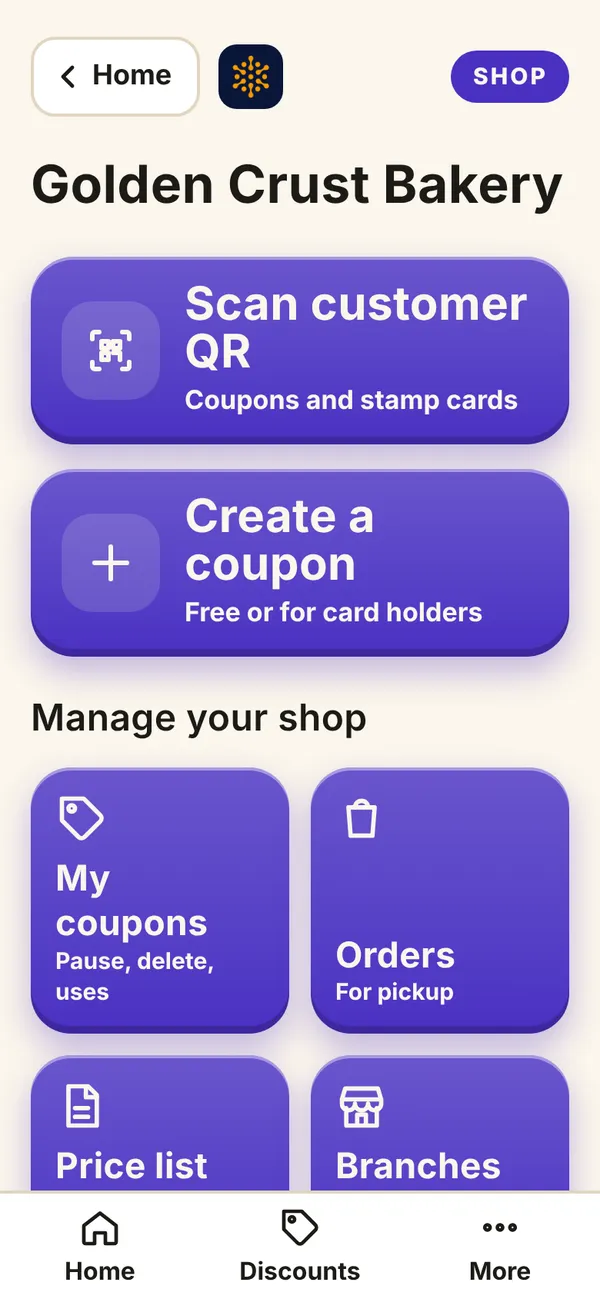
What you see on your phone Step 2
Tap 📷 Open camera. The first time, tap Allow so AyaScan may use the camera.
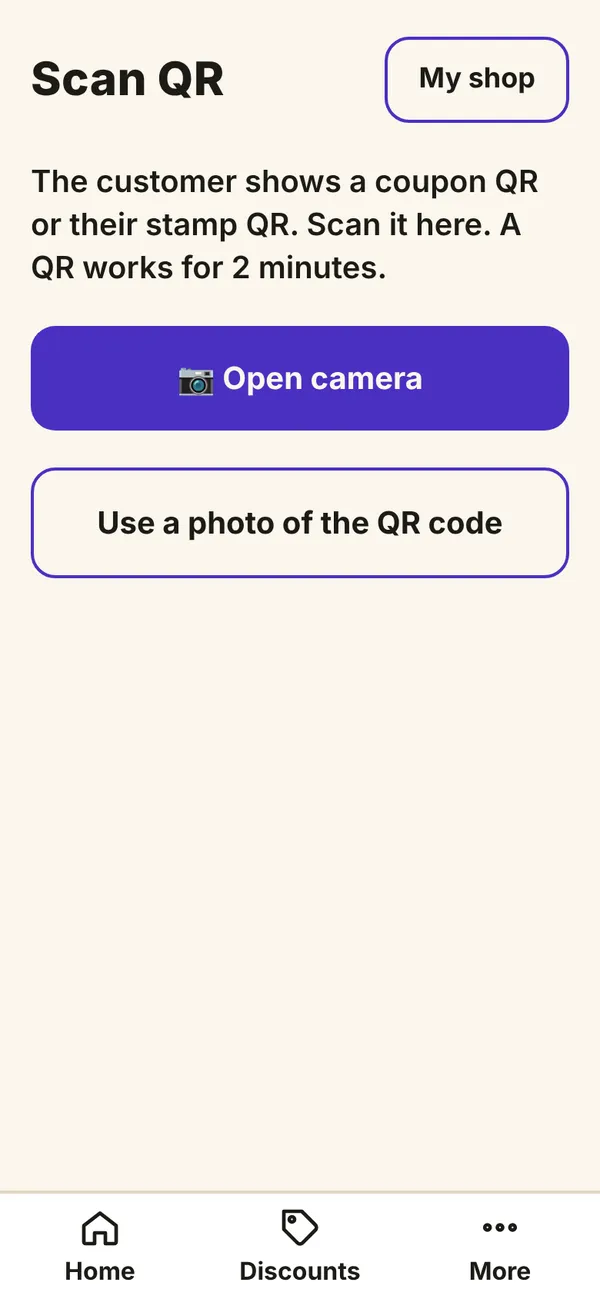
What you see on your phone Step 3
Hold your phone over the customer's QR code until it is read.
Step 4
AyaScan shows the coupon and says if it is valid. Give the discount that it shows. You may type the bill: then the customer sees how much they saved.
Step 5
The camera does not work? Tap Use a photo of the QR code and take a photo of the customer's screen.
Each QR code works for 2 minutes and only once, so nobody can use a screenshot twice.